Unconfigured Ad

Collapse
X
 
  • Filter
  • Time
  • Show
Clear All
new posts
  • qnc
    Member
    • Jun 2010
    • 51

    Make Clean and Make all not working

    What am I missing?...

    I followed the instruction but all I get is bash: make: command not found I was using Terminal v2.1.2 (-bash) on Mac OSX v10.6.8

    ******************** Screen dump of what I did ******************
    $ curl http://bedtools.googlecode.com/files...v2.13.3.tar.gz > BEDTools.tar.gz
    % Total % Received % Xferd Average Speed Time Time Time Current
    Dload Upload Total Spent Left Speed
    100 906k 100 906k 0 0 372k 0 0:00:02 0:00:02 --:--:-- 374k

    $ tar -zxvf BEDTools.tar.gz
    x ./._BEDTools-Version-2.13.3
    LOTS OF THESE AND FINALY
    x BEDTools-Version-2.13.3/data/rmsk.hg18.chr21.bed

    $ cd BEDTools-Version-2.13.3

    $ ls
    LICENSE README.rst bin genomes src
    Makefile RELEASE_HISTORY data obj

    $ make clean
    -bash: make: command not found

    $ make all
    -bash: make: command not found
    ******************** End Screen dump of what I did ******************

    Any ideas?
  • GenoMax
    Senior Member
    • Feb 2008
    • 7142

    #2
    "Make" program needs to be installed on your machine.

    For that you can install "Xcode" dev package. This may be on the OS install DVD if you have it handy. Otherwise you can download it for free from here: http://developer.apple.com/xcode/ You will need to create an account with apple (free).

    Comment

    • qnc
      Member
      • Jun 2010
      • 51

      #3
      Registered with Apple

      but now I get "Can't connect to application instance" When I use that URL for xcode you gave me.

      Any advice?

      Comment

      • qnc
        Member
        • Jun 2010
        • 51

        #4
        even click throughs on google search for xcode comes up with the same error message btw.

        Comment

        • qnc
          Member
          • Jun 2010
          • 51

          #5
          Its working now

          Comment

          • qnc
            Member
            • Jun 2010
            • 51

            #6
            Sorry still problems any advice?

            Comment

            • GenoMax
              Senior Member
              • Feb 2008
              • 7142

              #7
              Do you have the system install DVD handy? Look on there for the Xcode installer.

              Comment

              • qnc
                Member
                • Jun 2010
                • 51

                #8
                No I don't

                What about from this site?

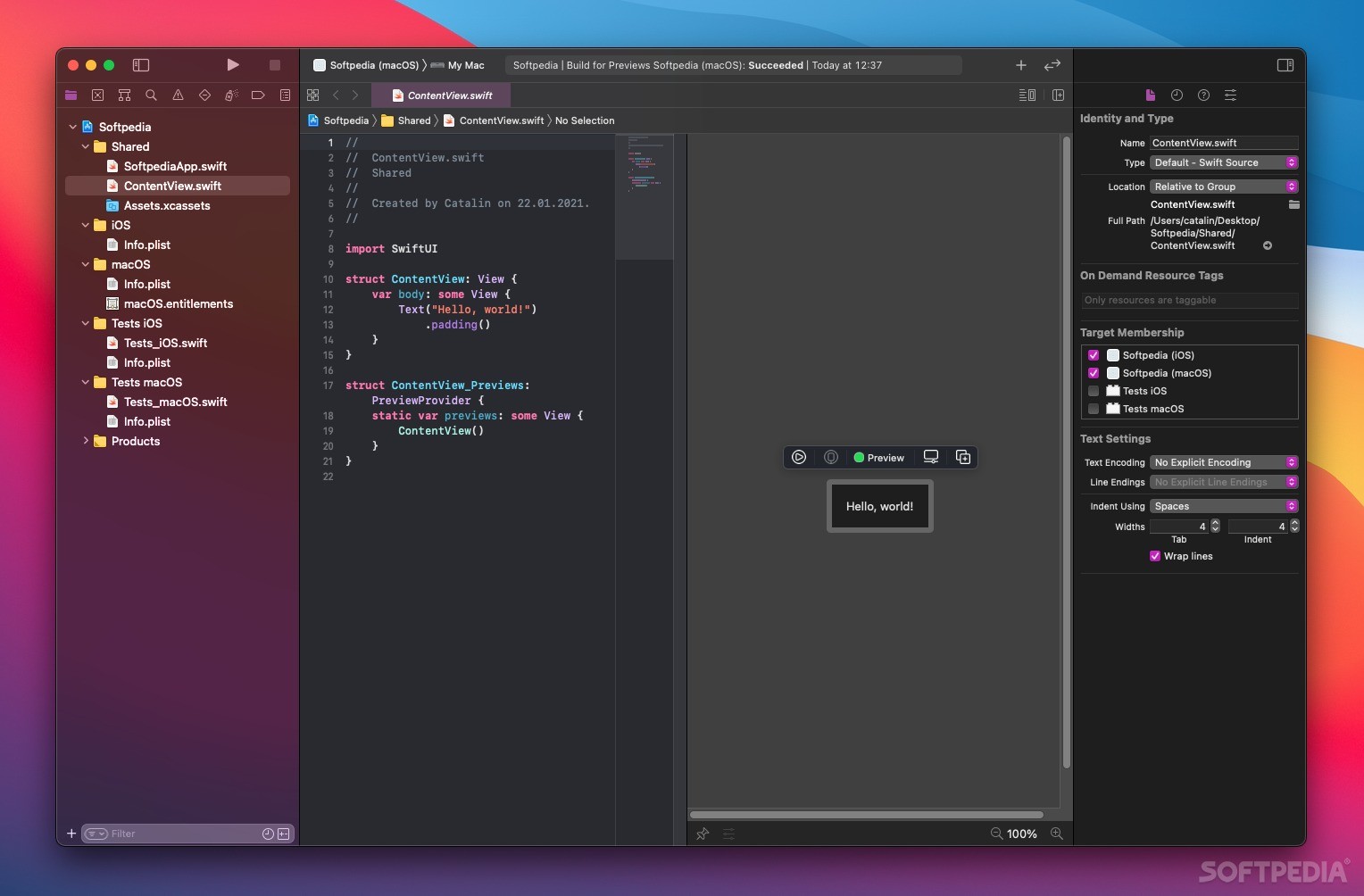
                Download Xcode 15.2 Build 15C500b for Mac - Comprehensive integrated development environment designed to be used for building and testing macOS, iOS, iPadOS, watchOS, and tvOS applications

                Comment

                • GenoMax
                  Senior Member
                  • Feb 2008
                  • 7142

                  #9
                  I am able to log into the Mac Dev Center site. It appears to be behaving strangely though. Go back to the xcode URL after your get the error. You may find that you are logged in in spite of the error.

                  I would advise not to download xcode from elsewhere.

                  Comment

                  • qnc
                    Member
                    • Jun 2010
                    • 51

                    #10
                    Cool finally got the Xcode and the make file seems to have worked!


                    Also make "clean and "all" are now working...

                    Got down to the last command sudo and got this

                    ************ ERROR MESSAGE ***********

                    BEDTools-v2.13.3$ sudo cp bin/* /usr/local/bin/
                    cp: directory /usr/local/bin does not exist


                    ************ END ERROR MESSAGE ***********


                    I did try this command before

                    ***** TYPO RESULTING IN ERROR ********


                    BEDTools-v2.13.3$ sudo bin/* /usr/local/bin/

                    WARNING: Improper use of the sudo command could lead to data loss
                    or the deletion of important system files. Please double-check your
                    typing when using sudo. Type "man sudo" for more information.

                    To proceed, enter your password, or type Ctrl-C to abort.

                    Password:
                    sudo: bin/*: command not found

                    ***** END TYPO RESULTING IN ERROR ********

                    I hope my typo didn't destroy that folder??

                    Comment

                    • dpryan
                      Devon Ryan
                      • Jul 2011
                      • 3478

                      #11
                      I don't think /usr/local/bin exists under OSX by default, so you may have to create it (e.g. "sudo mkdir -p /usr/local/bin") or copy the files to a different directory in your PATH. You didn't destroy anything when you forgot the cp command, you just confused sudo. BTW, you may want to ensure that /usr/local/bin is actually in your PATH (type "echo $PATH" and see if it's listed), otherwise make sure to add it.

                      Comment

                      • GenoMax
                        Senior Member
                        • Feb 2008
                        • 7142

                        #12
                        I do not think you did any damage.

                        You do not need to strictly follow that last command. All it is doing is putting the executable(s) in the "/usr/local/bin" directory (which is generally in the default PATH on a linux system). On a Mac "/usr/local/bin" is not the default path for executables (do not have a Mac handy to check that out).

                        You should be able to run the programs by providing full path to program you want to run in your terminal window.

                        Code:
                        system_prompt> /path_to/BEDtools/bin/intersectBed file1.bed file2.bed
                        Originally posted by qnc View Post
                        Cool finally got the Xcode and the make file seems to have worked!


                        Also make "clean and "all" are now working...

                        Got down to the last command sudo and got this

                        ************ ERROR MESSAGE ***********

                        BEDTools-v2.13.3$ sudo cp bin/* /usr/local/bin/
                        cp: directory /usr/local/bin does not exist


                        ************ END ERROR MESSAGE ***********


                        I did try this command before

                        ***** TYPO RESULTING IN ERROR ********


                        BEDTools-v2.13.3$ sudo bin/* /usr/local/bin/

                        WARNING: Improper use of the sudo command could lead to data loss
                        or the deletion of important system files. Please double-check your
                        typing when using sudo. Type "man sudo" for more information.

                        To proceed, enter your password, or type Ctrl-C to abort.

                        Password:
                        sudo: bin/*: command not found

                        ***** END TYPO RESULTING IN ERROR ********

                        I hope my typo didn't destroy that folder??

                        Comment

                        • qnc
                          Member
                          • Jun 2010
                          • 51

                          #13
                          BEDTools-v2.13.3 $ echo $PATH
                          /usr/bin:/bin:/usr/sbin:/sbin:/usr/local/bin:/usr/X11/bin

                          Is this good?

                          Comment

                          • qnc
                            Member
                            • Jun 2010
                            • 51

                            #14
                            How do I check that its all working?
                            is there a simple command to see if BEDTools is now executable.

                            I guess running it from anywhere (no need to move files into 1 folder I can organise my files as I want etc...) would be good so I'll set up that PATH thing.. Any advice on that?

                            Comment

                            • dpryan
                              Devon Ryan
                              • Jul 2011
                              • 3478

                              #15
                              Seems it's already in your PATH, so you should be able to just create the directory if it doesn't already exist and copy things in.

                              Leaving the files where they are and running them from there will work fine too, you just have to include the path, as demonstrated by GenoMax. The only downside to this is that it requires more typing.

                              Comment

                              Latest Articles

                              Collapse

                              • GATTACAT
                                Reply to Nine Things a Sample Prep Scientist Thinks About Before Sequencing
                                by GATTACAT
                                Love this - good data definitely starts from good input, and poor input can only give relatively poor data. I particularly like the mention of Nanodrop/absorbance based methods for quantification. It's such a toss up if you'll get an accurate reading or what amounts to a randomly generated number, and a lot of library/sequencing related issues can be traced back to poor quant.
                                07-01-2026, 11:43 AM
                              • SEQadmin2
                                Nine Things a Sample Prep Scientist Thinks About Before Sequencing
                                by SEQadmin2


                                I’m not a sequencing expert. I’m a purification scientist who uses NGS to evaluate workflows my group develops. With this perspective, we think about the sample first and the NGS workflow second. The sequencer is an exceptionally honest reporter, but it can only report on what you give it, so whether you get clean, interpretable data from an NGS workflow is largely determined before you begin.

                                Here are nine questions we think about, in roughly the order they matter, before...
                                06-18-2026, 07:11 AM

                              ad_right_rmr

                              Collapse

                              News

                              Collapse

                              Topics Statistics Last Post
                              Started by SEQadmin2, 07-02-2026, 11:08 AM
                              0 responses
                              11 views
                              0 reactions
                              Last Post SEQadmin2  
                              Started by SEQadmin2, 06-30-2026, 05:37 AM
                              0 responses
                              13 views
                              0 reactions
                              Last Post SEQadmin2  
                              Started by SEQadmin2, 06-26-2026, 11:10 AM
                              0 responses
                              20 views
                              0 reactions
                              Last Post SEQadmin2  
                              Started by SEQadmin2, 06-17-2026, 06:09 AM
                              0 responses
                              54 views
                              0 reactions
                              Last Post SEQadmin2  
                              Working...